Shield
How to Fine-Tune DISPLAX Sensors: Shield
The Shield setting helps minimize electromagnetic interference (EMI) that can affect touch accuracy.
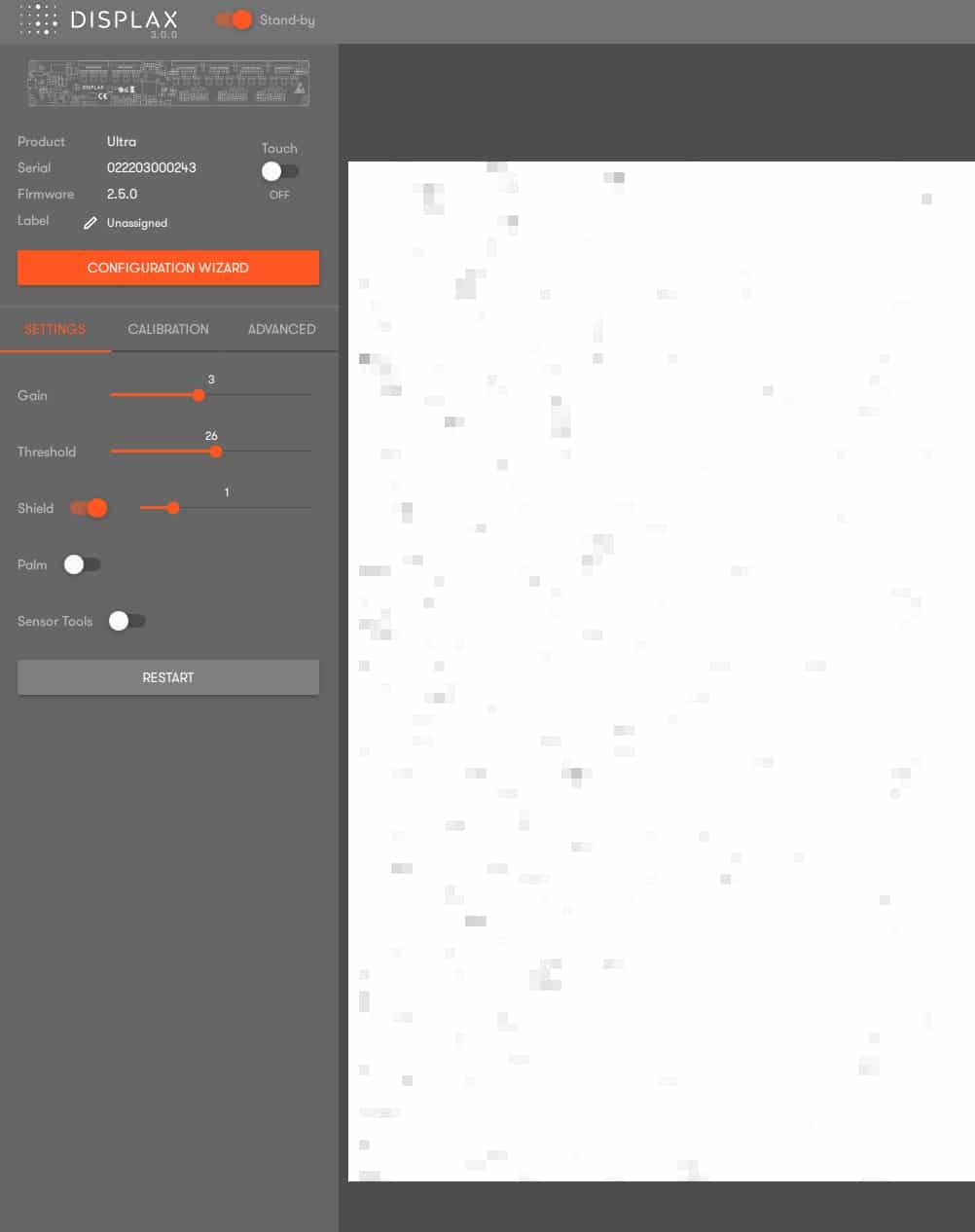
When EMI is present, you may notice grey dots or touches appearing along the borders or across the active area of the touch sensor.
How It Works
How It Works
Activating and increasing the Shield level reduces the effect of EMI.
As the Shield level increases, the grey dots our touches should gradually disappear.
⚠️ Note: Increasing the Shield level too much can reduce touch sensitivity.
Adjust the Shield just enough to remove interference while keeping touch response accurate and natural.
Recommended Practice
-
Start with the lowest Shield level.
-
Increase gradually until grey dots disappear.
-
Stop as soon as interference is gone — higher levels than necessary can cause loss of sensitivity.
Related Articles
Related Articles
Shield
Shield Function in Displax Connect Shield is a feature designed to reduce electromagnetic interference (EMI) affecting the touch sensor. How it Works EMI Symptoms: Visible as grey dots along the touch sensor borders or scattered across the active ...Gain & Threshold
How to Fine-Tune DISPLAX Sensors: Gain and Threshold Fine-tuning your DISPLAX touch sensor ensures smooth, accurate, and stable touch performance. Two key settings must be adjusted: Gain and Threshold. What is Gain? Gain controls the signal strength ...Gain & Threshold
Gain & Threshold Adjustment in Displax Connect Gain and Threshold are settings used to fine-tune touch performance: Gain: Adjusts the signal strength sent from the touch controller to the touch sensor. Use a higher Gain for thicker glass or larger ...Frame Options
Fullscreen Mode, Frame Monitor, and Canvas Color in DISPLAX Connect Overview DISPLAX Connect provides several visual tools to help test touch accuracy, object recognition, and sensor behavior. These include Fullscreen Mode, Frame Monitor, and Canvas ...Save & Load Settings
Overview Displax Connect 4.2.0 allows you to save the configuration of a Touch Controller and load it onto another compatible controller. This feature is ideal for deploying multiple systems with the same hardware configuration or restoring a known ...